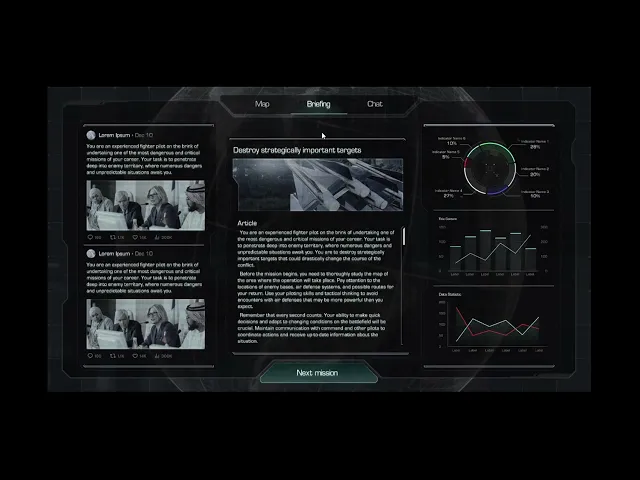

Briefing menu
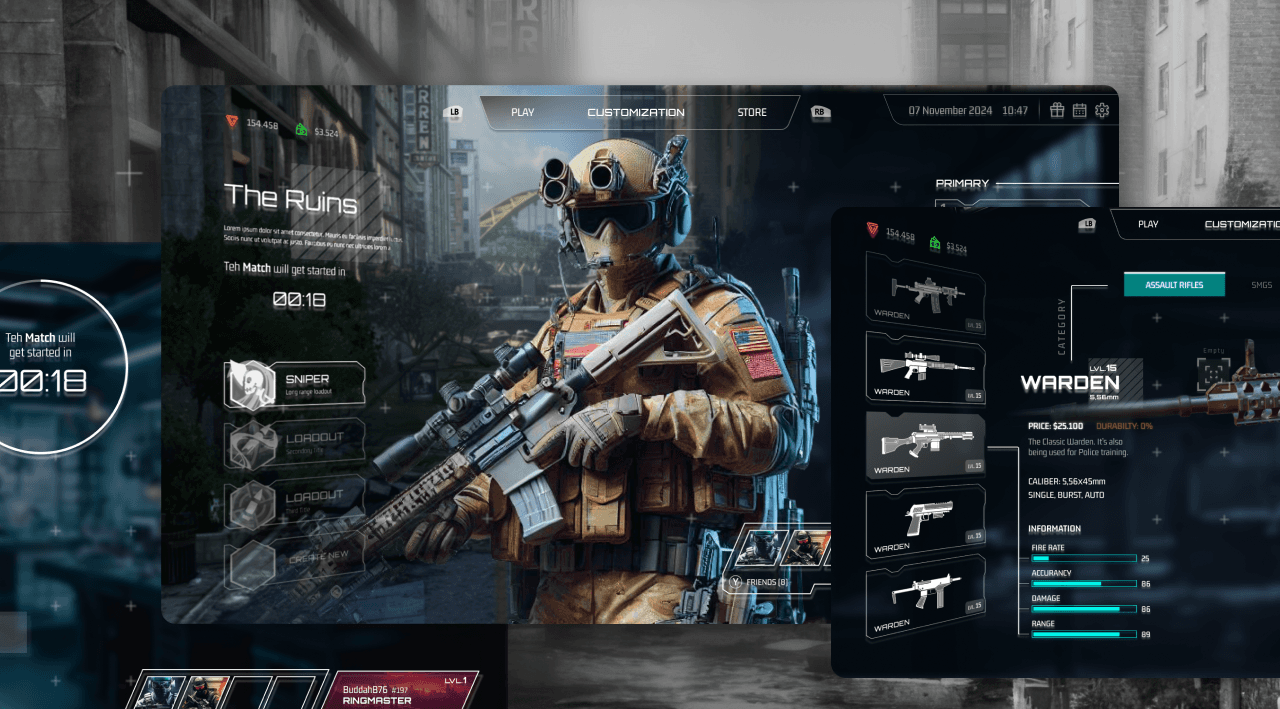
As part of the Sentinel development, the objective was to create a comprehensive game interface that combines futuristic aesthetics with functionality fully implemented in Unreal Engine. Particular emphasis was placed on modularity and the ability to externally customize charts and diagrams.
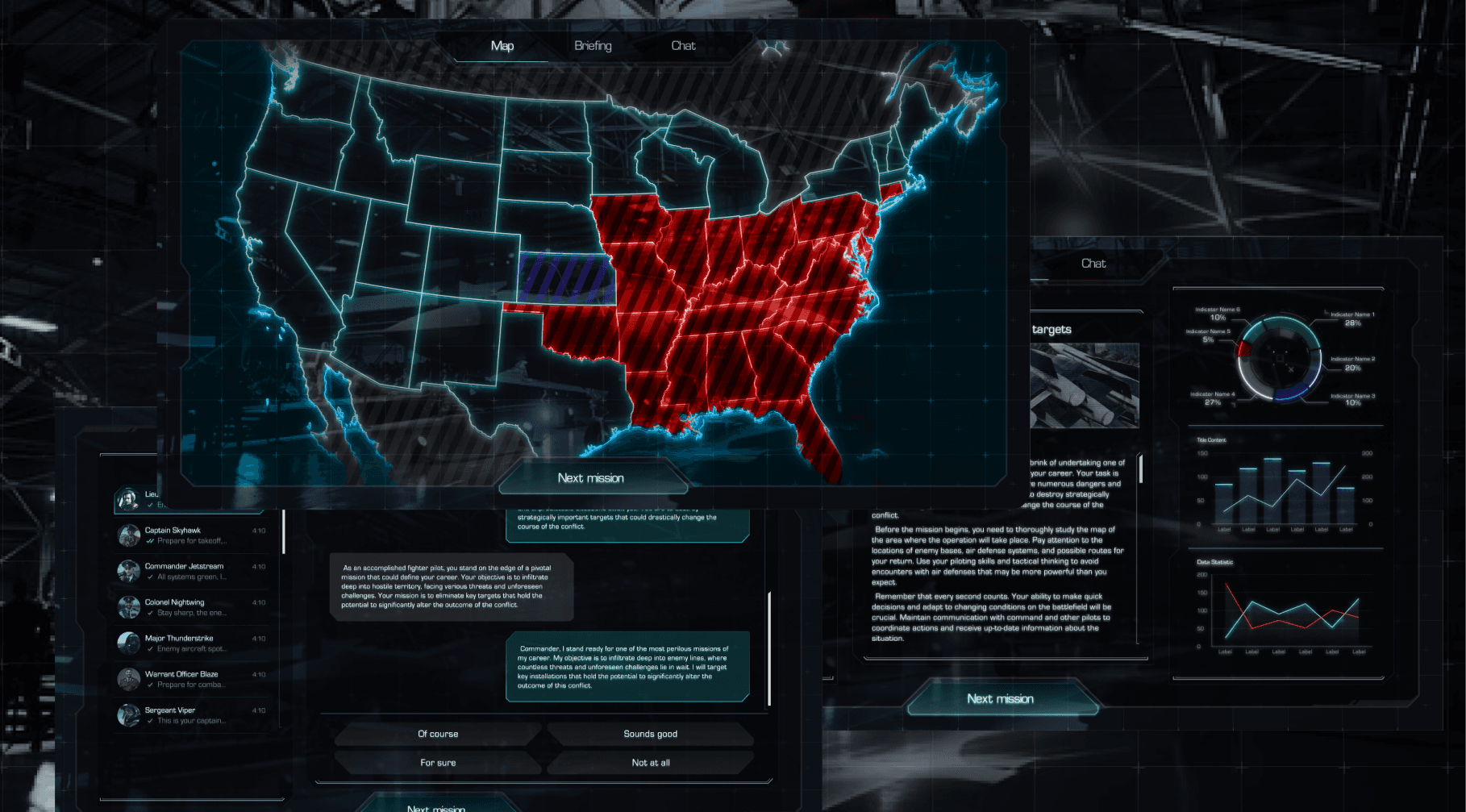
The project encompassed three key screens: a news hub, strategic maps, and an NPC chat. All elements are unified by a single visual system, where Eurostyle or a similar font underscores a technological yet ‘grounded’ style.
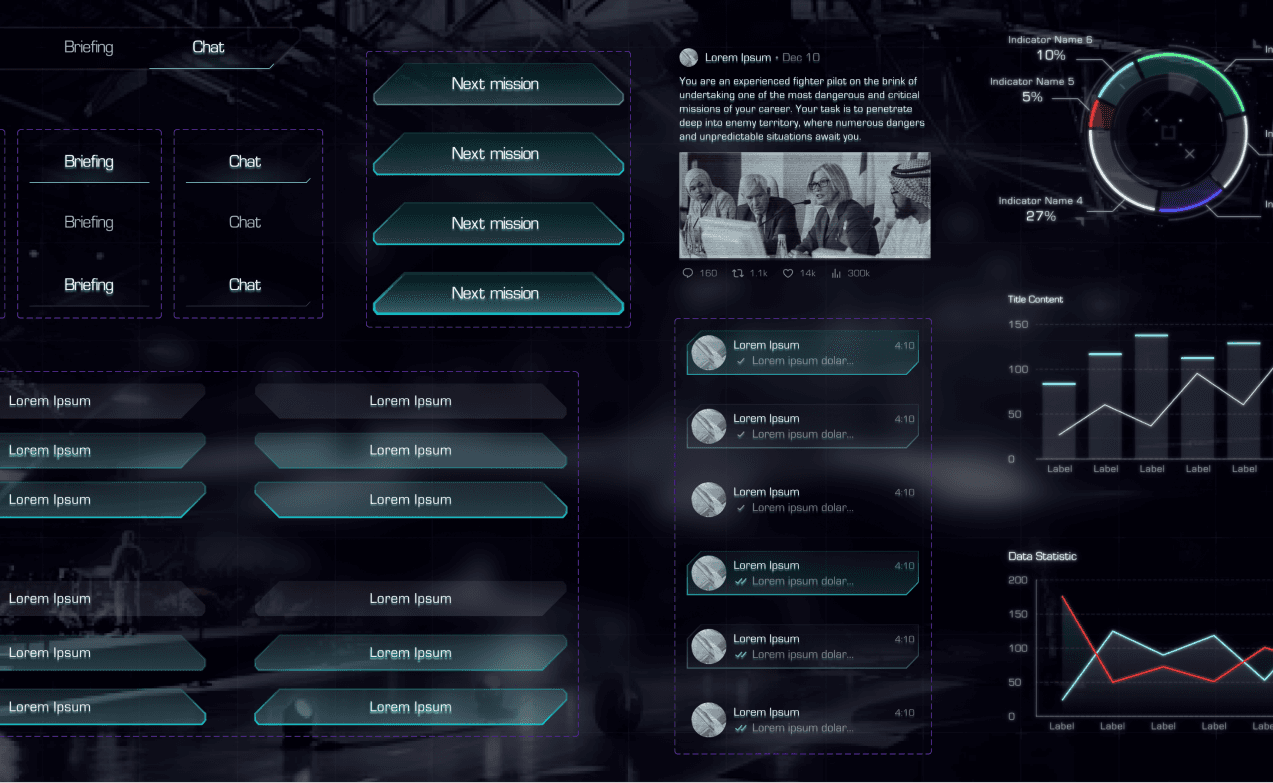
Briefing and chat screens
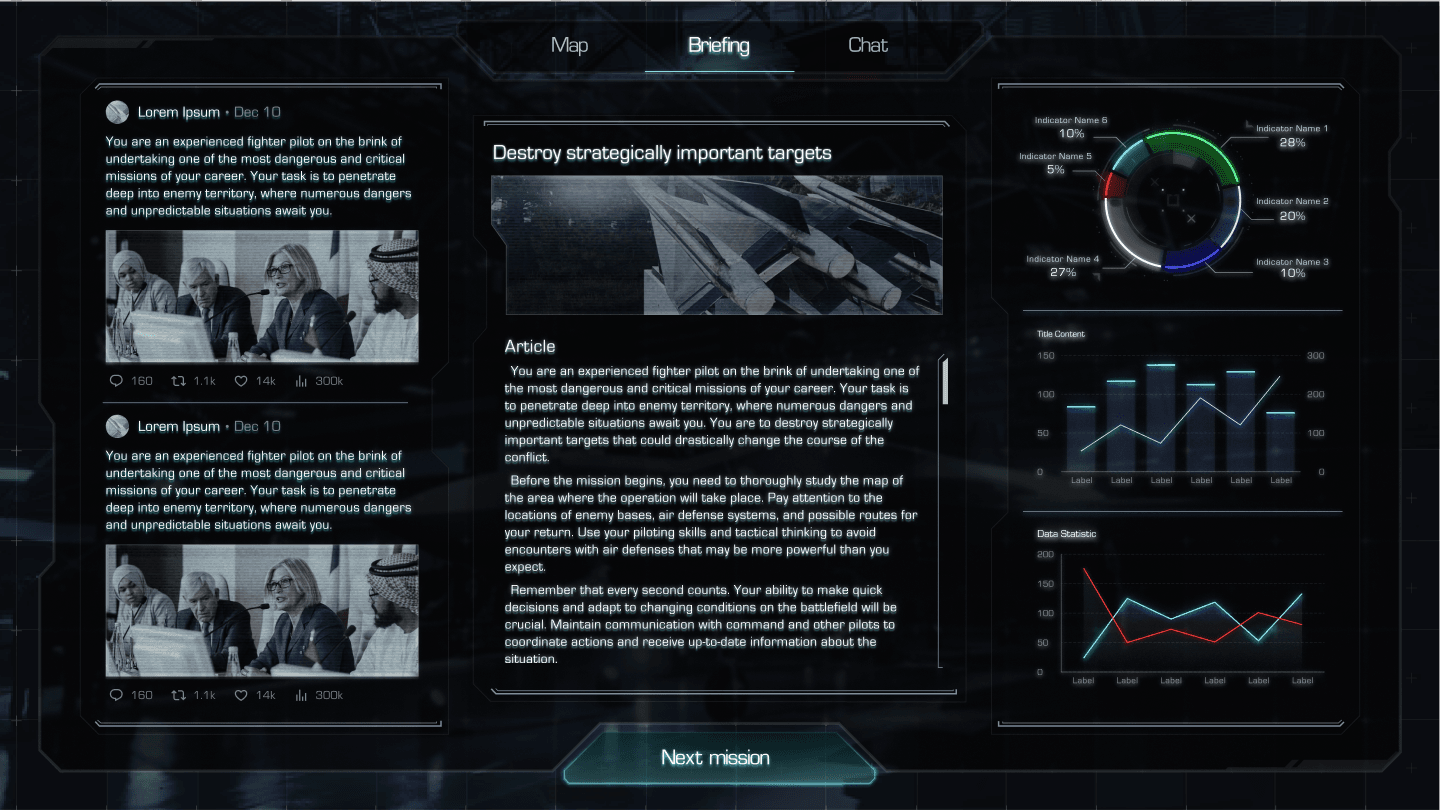
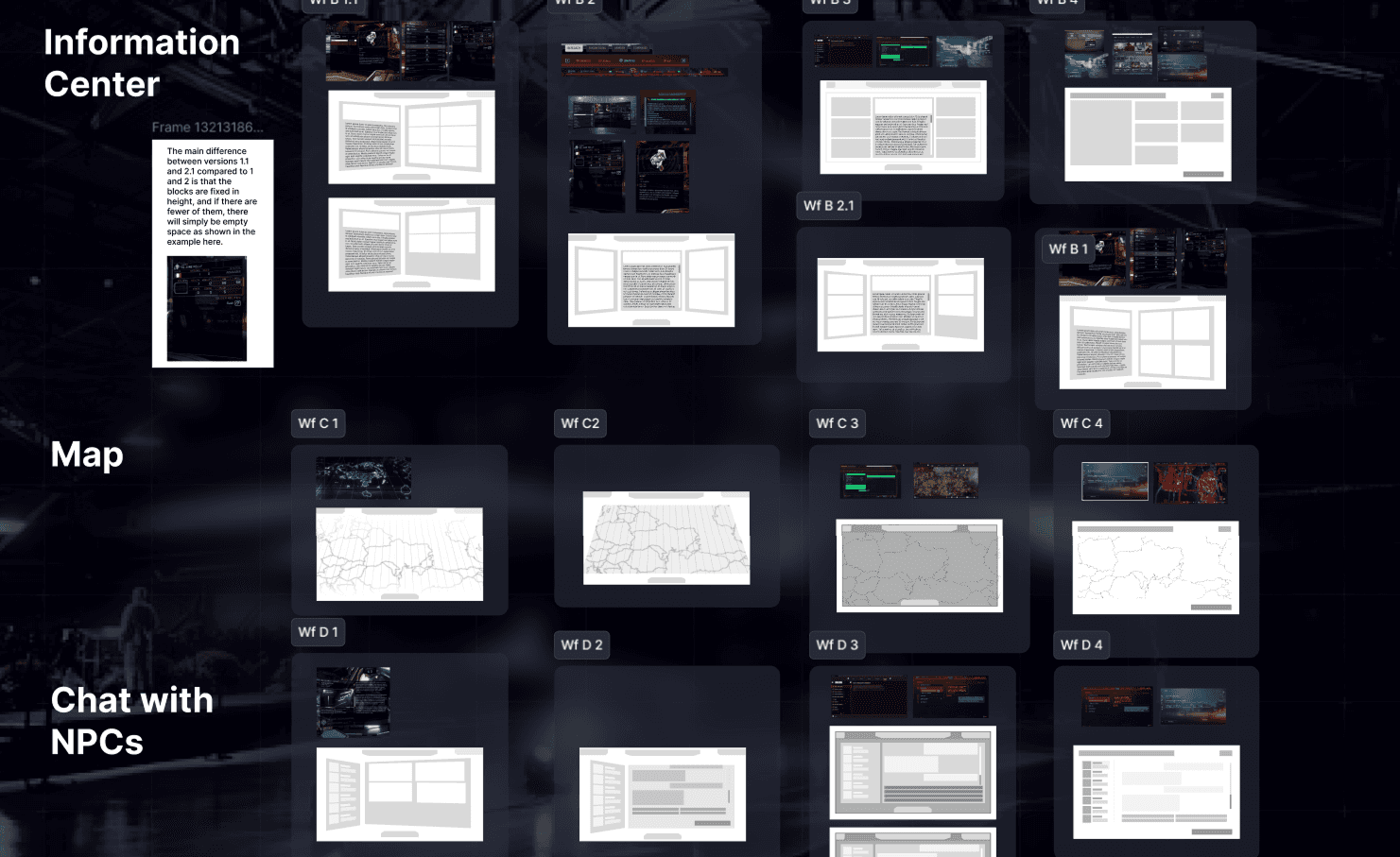
The briefing screen is a news and information hub featuring a large main‑article module, a feed of additional modules (charts, graphs, social posts, images with captions), and a flexible scrolling system.
The chat screen is an interactive panel for player‑NPC communication, displaying the message history, up to four dialogue options, and a quick switch between characters with avatars.
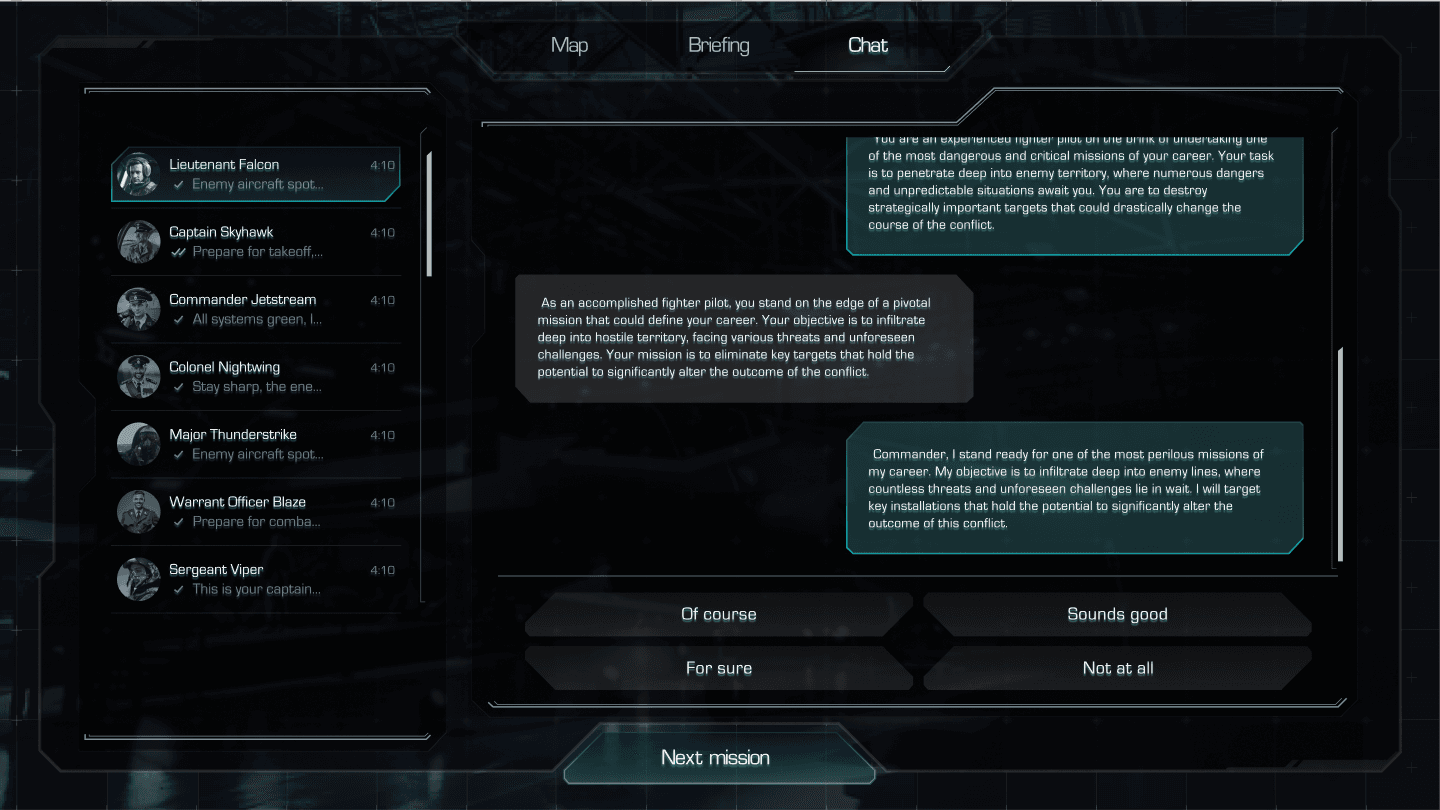
The simultaneous combination of a data‑driven briefing and choice‑based chat enhances engagement, creating the effect of participating in a real operation.
Map screens
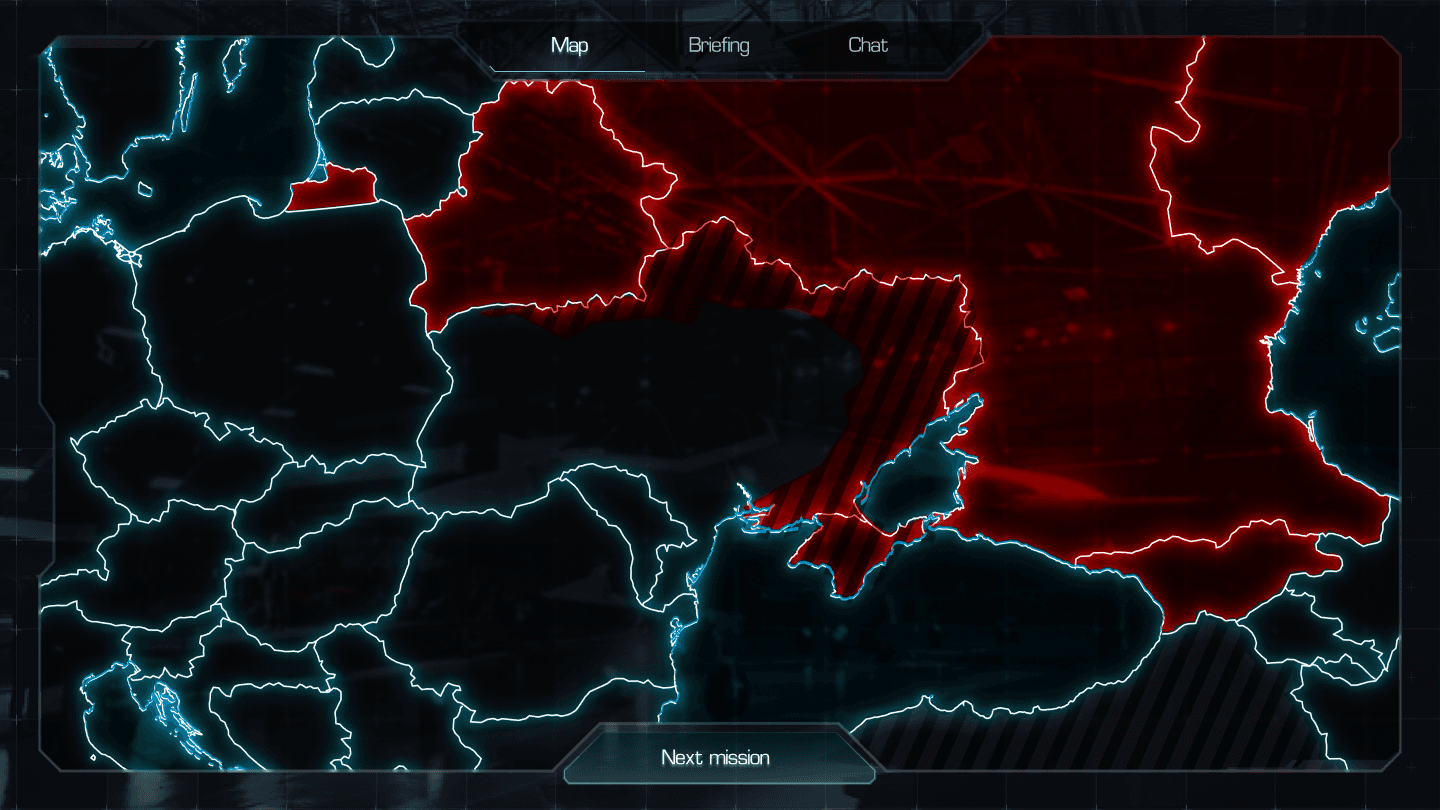
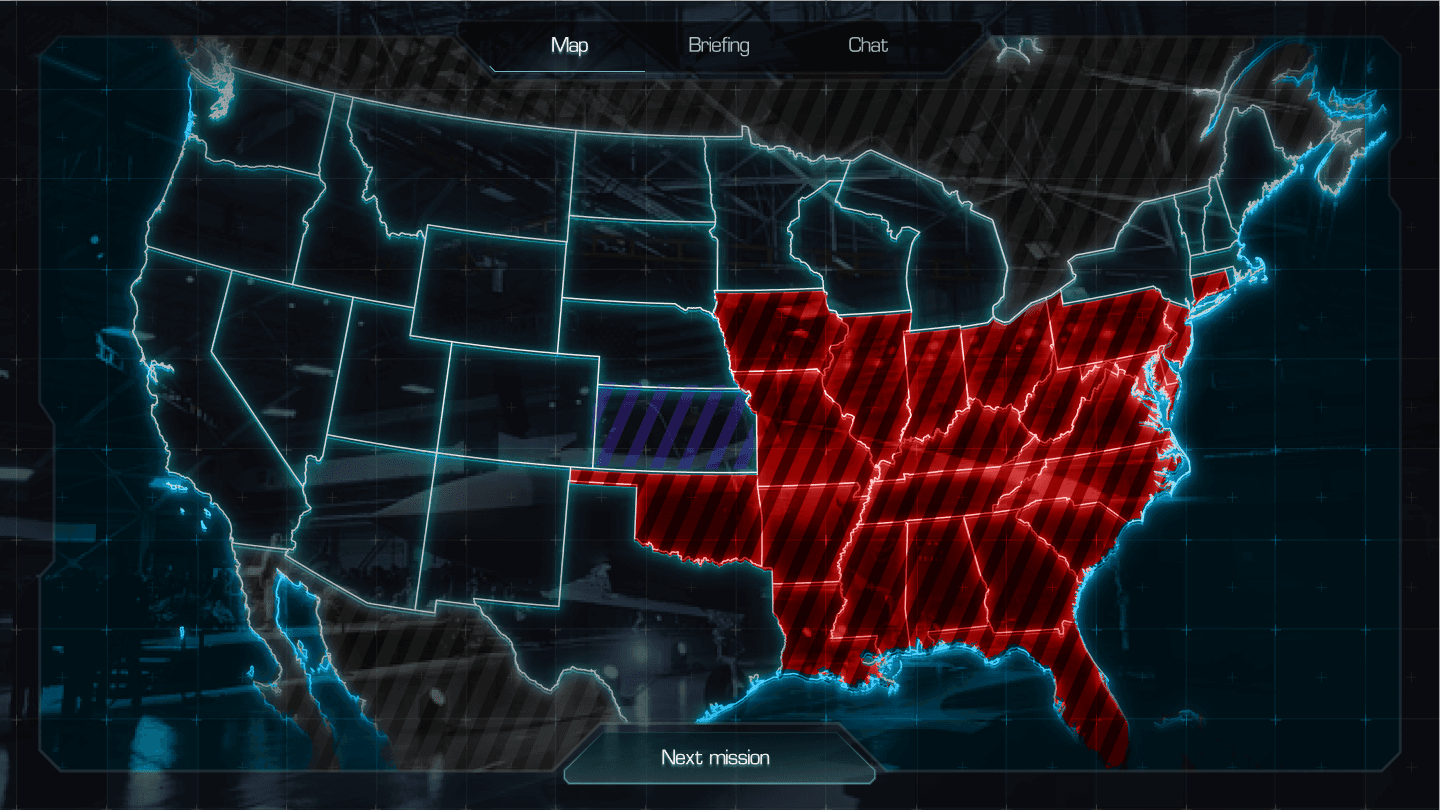
The second key area is the map screen, which includes:
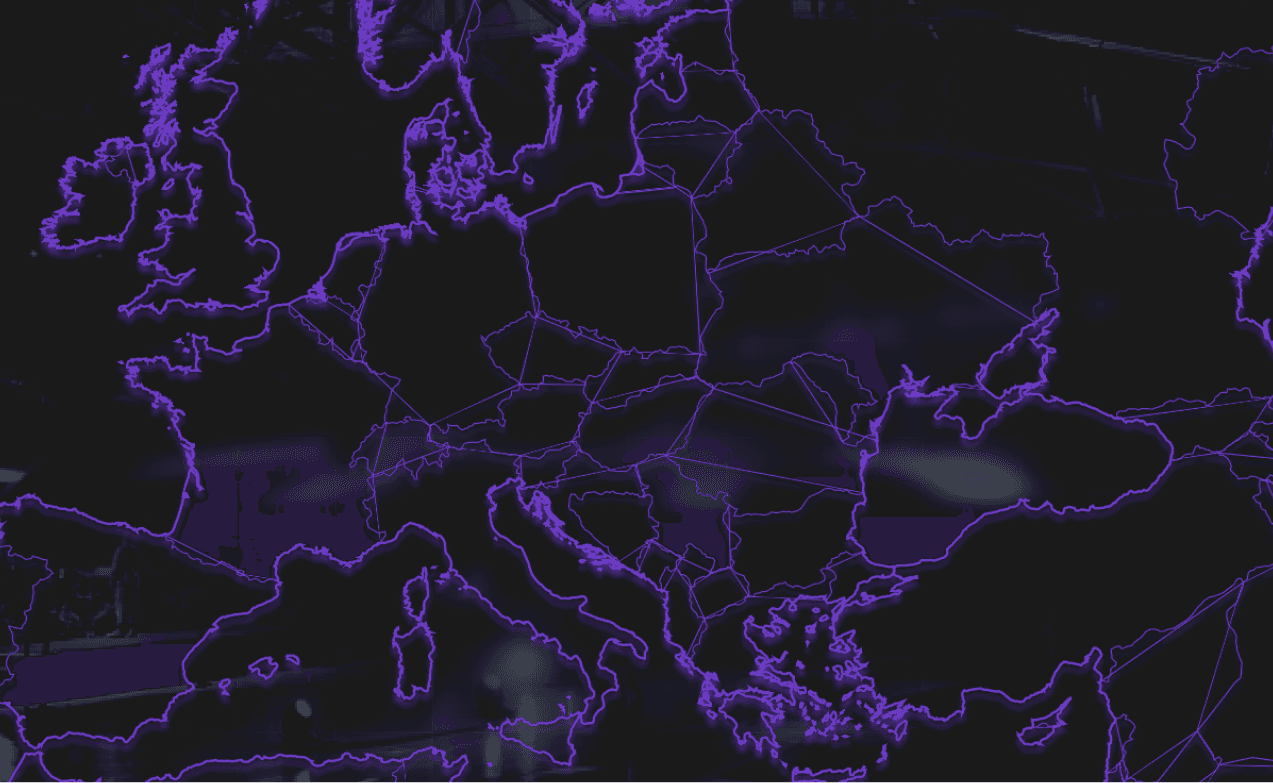
- A map of Eastern Europe with detailed geographic elements, dynamic zone changes (Ally, Enemy, Neutral, Contested), and unique markers such as an enlarged Snake Island for better readability
- A highly detailed map of the United States with the ability to highlight regions by status
Key objectives

Ensure modularity of all visual blocks for reuse
Synchronize navigation elements and clocks across all screens
Maintain a consistent visual language within a futuristic‑realistic aesthetic
Reference gathering and wireframing
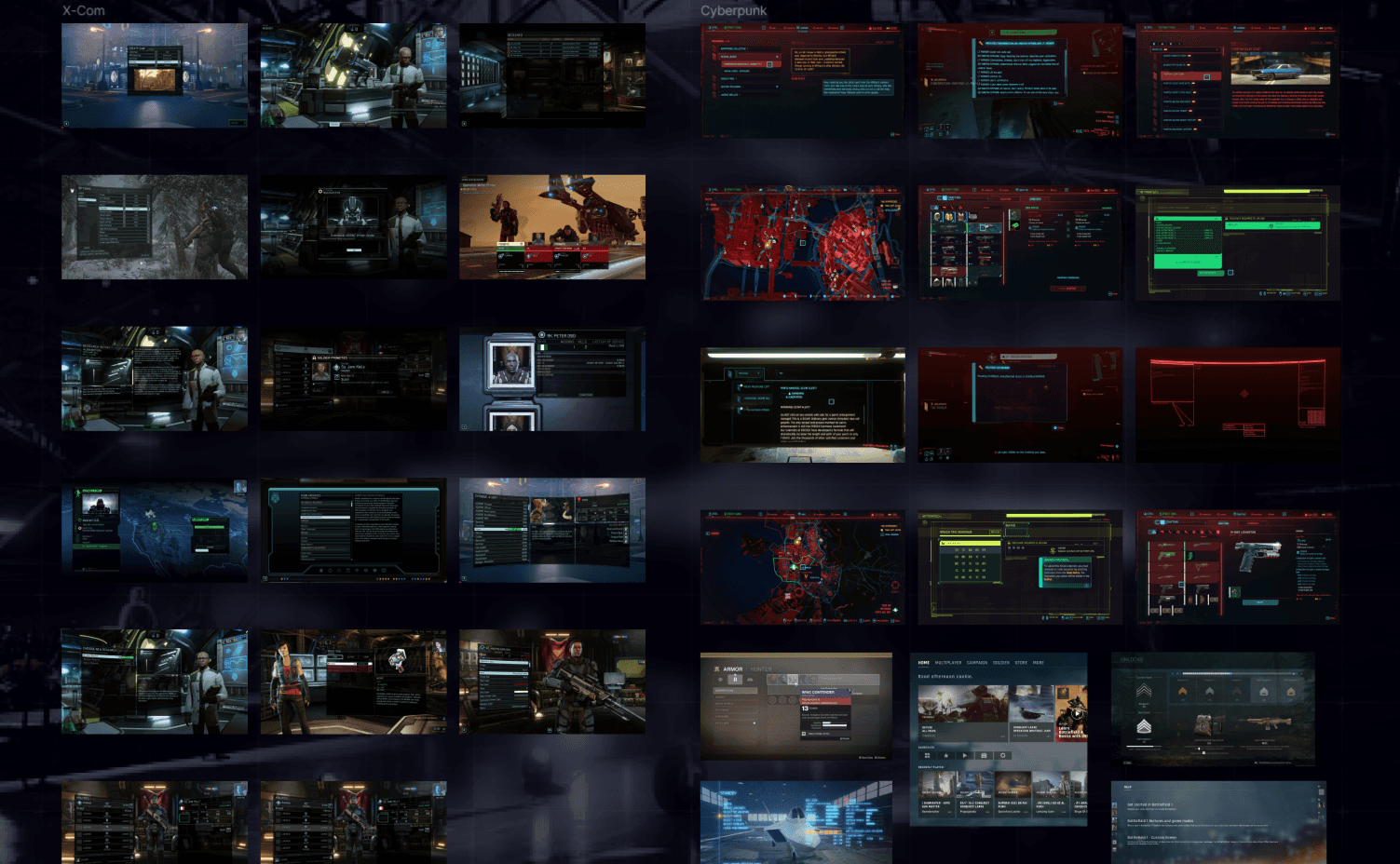
The stage began with research into current UI trends in game development and analysis of counterparts in the strategy genre. Wireframes were prepared for all three screens, taking into account gameplay scenarios and planned animations.
Component development and style refinement
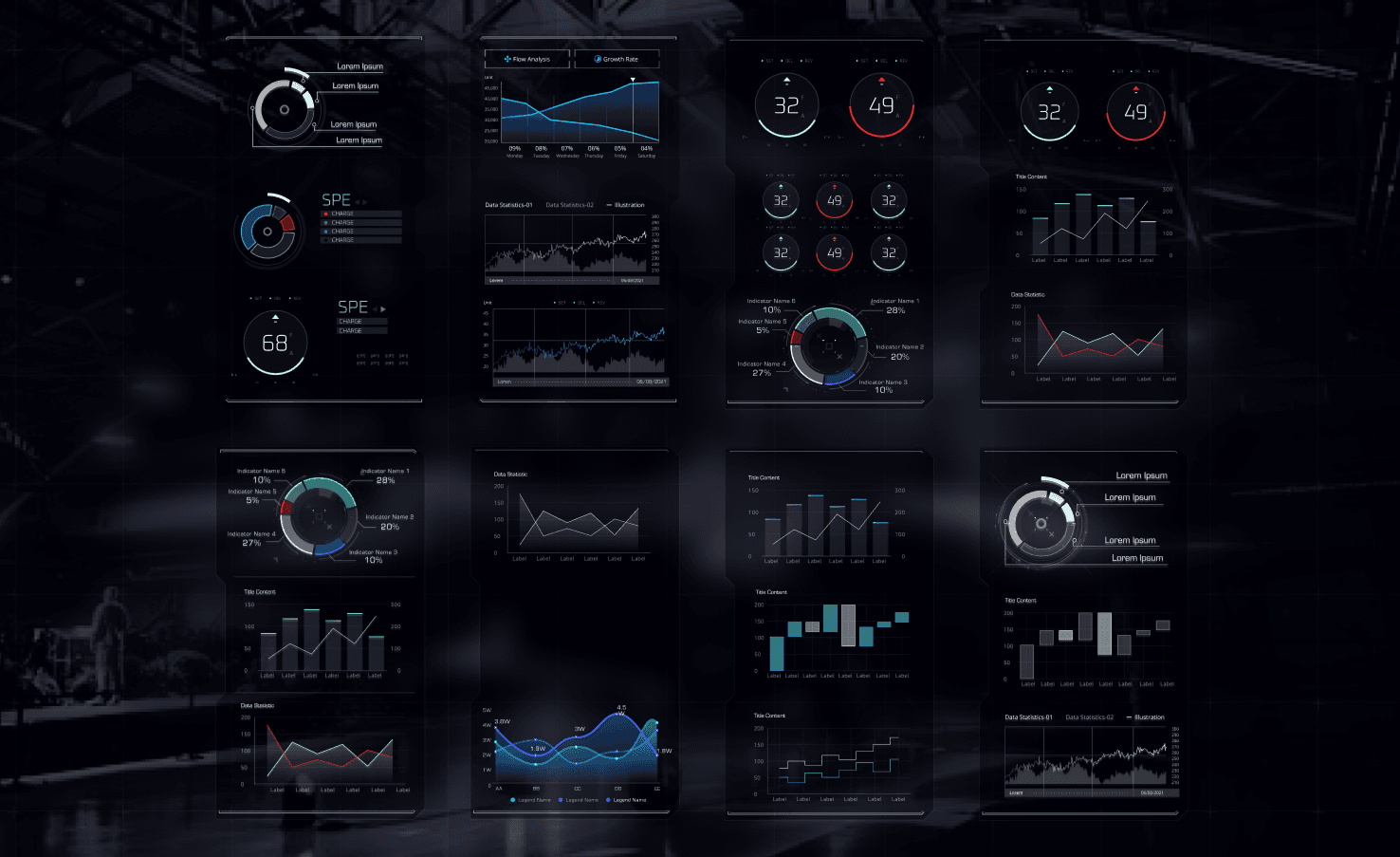
Modules were created as customizable templates — from charts to posts. The visual language was refined through typography choices, selection of color accents, and the integration of atmospheric details such as detailed graphs and pseudo‑functional elements.
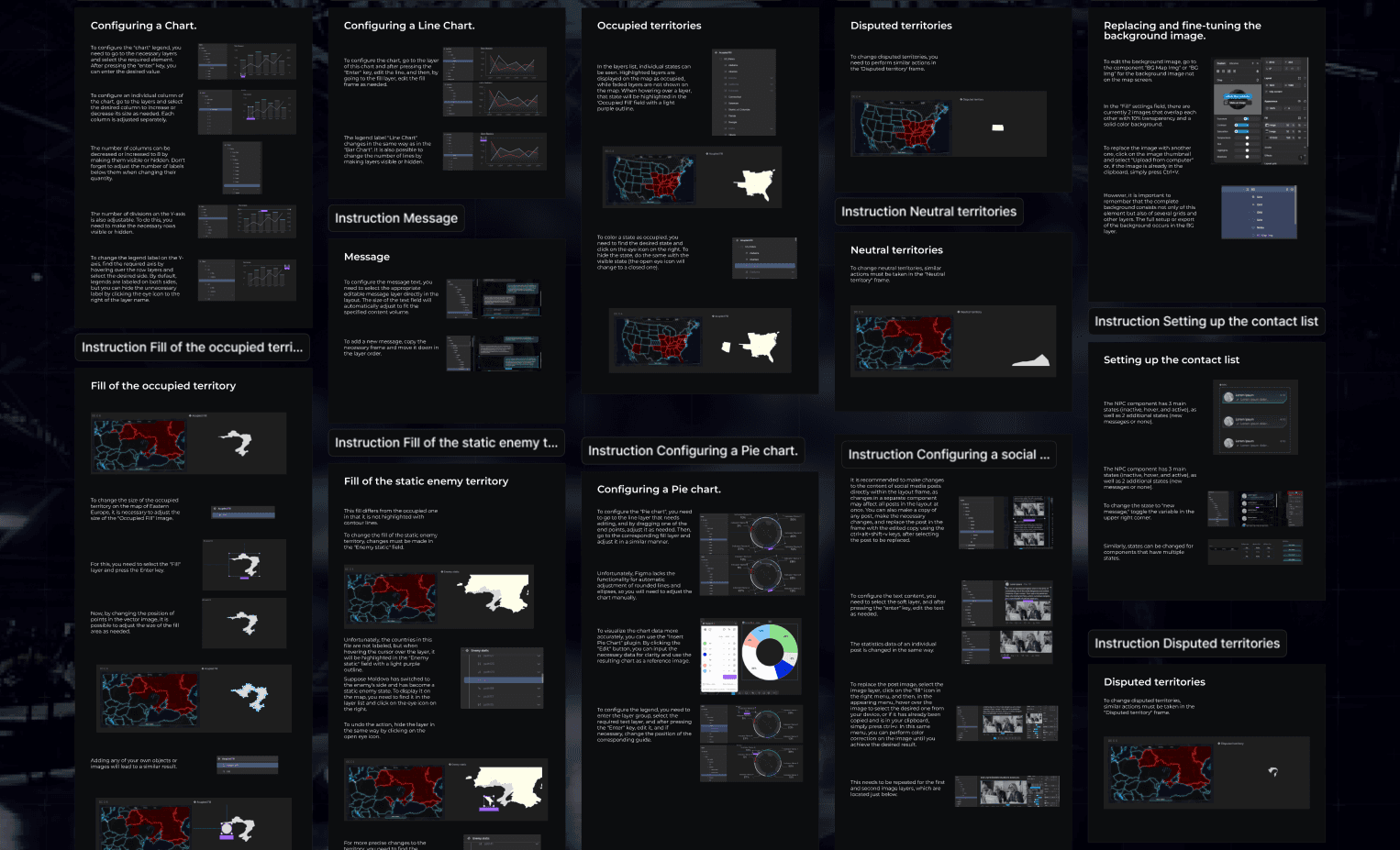
Detailed documentation
In the documentation phase, the main emphasis was placed on making it easy for the team to work with ready‑made interactive components in Figma. The principles for using modular blocks, the logic of their states (hover, active, inactive), as well as the specifics of interaction with navigation and graphical elements were described. Instead of dry technical specifications, the material was presented as a visually oriented guide.
Final component development in vector
The final stage involved preparing all UI elements in vector format to ensure clean integration into Unreal Engine and maintain sharpness at any resolution.
Conclusion
As a result, the project led to the creation of a cohesive and flexible interface system that seamlessly blends futuristic aesthetics with the practicality of a modular approach.
Thanks to clear documentation in Figma, the team received tools for fast and intuitive work with interactive components, and the final solutions are ready for integration into Unreal Engine.
A universal, easily expandable UI was created for a complex simulator
Achieved a balance between aesthetics and functionality
Ensured readiness for integration and customization at the gameplay production stage
© 2024 — Markau Andrei